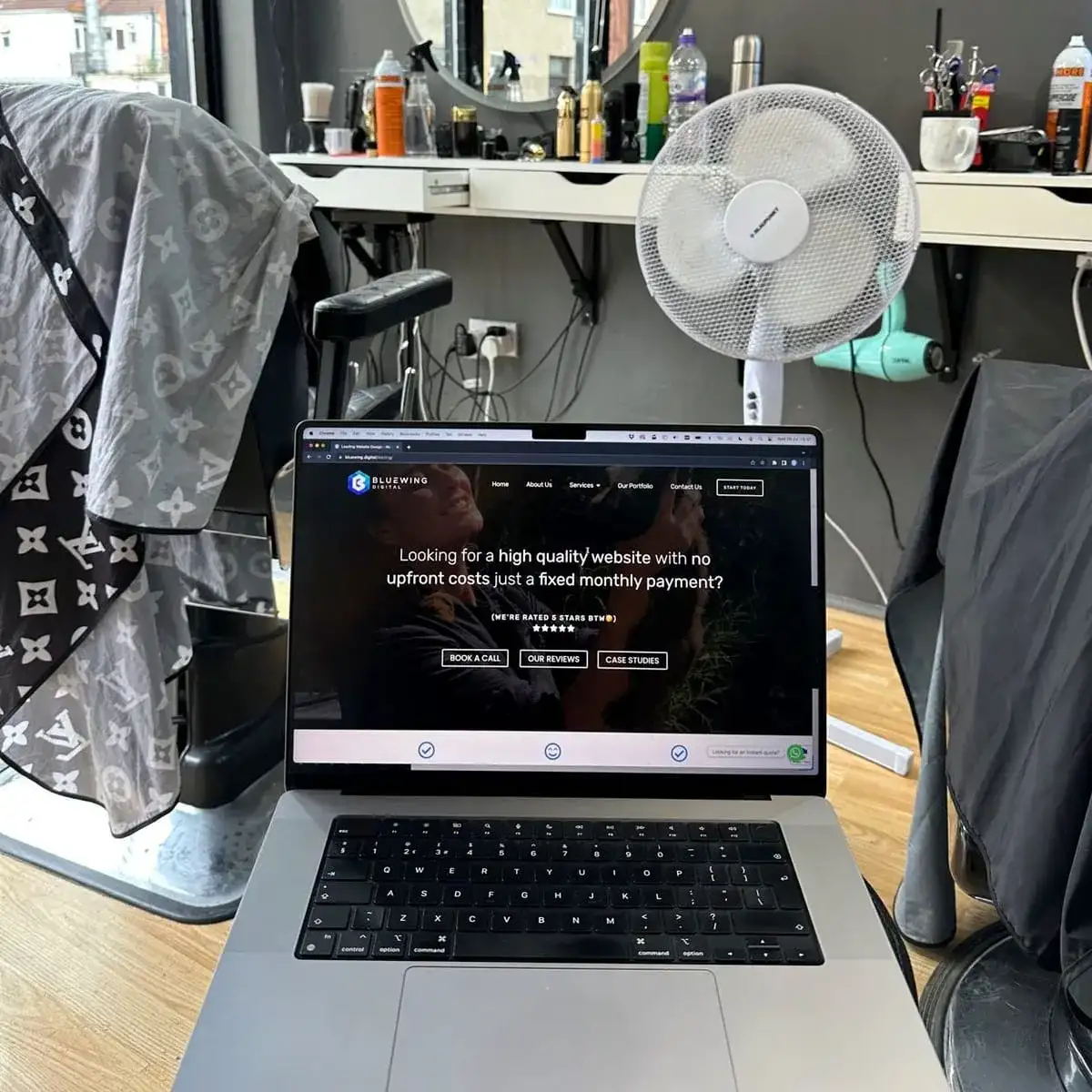
What Makes a Good Website? The Key Elements
A good website is clear, fast, easy to use on a phone, trustworthy and built to get people to take the next step. Visitors should see what you do and how to contact you in seconds. Design matters, but only if it helps them do that.
By Henry Ankomah · Updated 19 November 2026


What makes a good website?
A good website helps the right people do what they came for. For a business, that usually means finding out what you do, trusting you and getting in touch.
1. Is it clear what you do?
Within a few seconds, a visitor should know what you do, who it's for and where. Avoid slogans that could apply to anyone. "Bathroom fitters in Rutland" beats "Excellence in every detail".
2. Does it work properly on a phone?
Many visitors will be on a phone. Text should be readable without zooming, buttons easy to tap and the phone number one tap away.
3. Is it fast?
Slow websites lose visitors. Large images are the usual reason. Google's free PageSpeed Insights tool will show you where you stand.
4. Can people trust it?
Show real reviews, real photos, your real address and the people behind the business. Add accreditations you can back up. A named client beats a claim such as "highly rated".
5. Is it easy to find things?
Keep your menu short, and use the words customers use, not your internal jargon. Each page should have one job.
6. Is the next step obvious?
Every page should tell people what to do next, whether that's calling, booking or buying. Keep forms short: ask only for what you need.
7. Can Google understand it?
Every page needs a clear title and heading, written for one main search. Link your pages together, because a page with no links pointing to it is hard for Google to find. Our own old website had this problem, and our guide to redesigning a website without losing SEO explains what we did about it.
8. Is it kept up to date?
Old prices, closed offers and copyright dates from five years ago all make people wonder if you are still trading. Websites also need updates to stay secure, which is what our care plans are for.
How do you check your own website?
Show your homepage on a phone to someone who doesn't know your business, for five seconds. Ask what you do and what they would do next. If they can't tell you, start there.
If you would like an honest opinion, book a free consultation. We can also work out why visitors aren't getting in touch.
Frequently asked questions
What are the most important parts of a website?
A clear message, a phone-friendly layout, real proof and an obvious next step.
What makes a website look unprofessional?
Blurry images, out-of-date information, broken links and text that is hard to read.
How often should I update my website?
Whenever something changes, and check it through at least once a year.

Written by
Henry Ankomah
Project Director, Bluewing Digital
Henry manages Bluewing Digital projects from the first conversation through to launch and beyond, across websites, ordering systems and SEO. He writes and checks our guides too. You can book a meeting with him directly, so you always know who is looking after your project.
Last updated